Play the sound you want to keep
Open the station, stream or media in its own browser or player and make sure you can hear it on the Windows playback device.
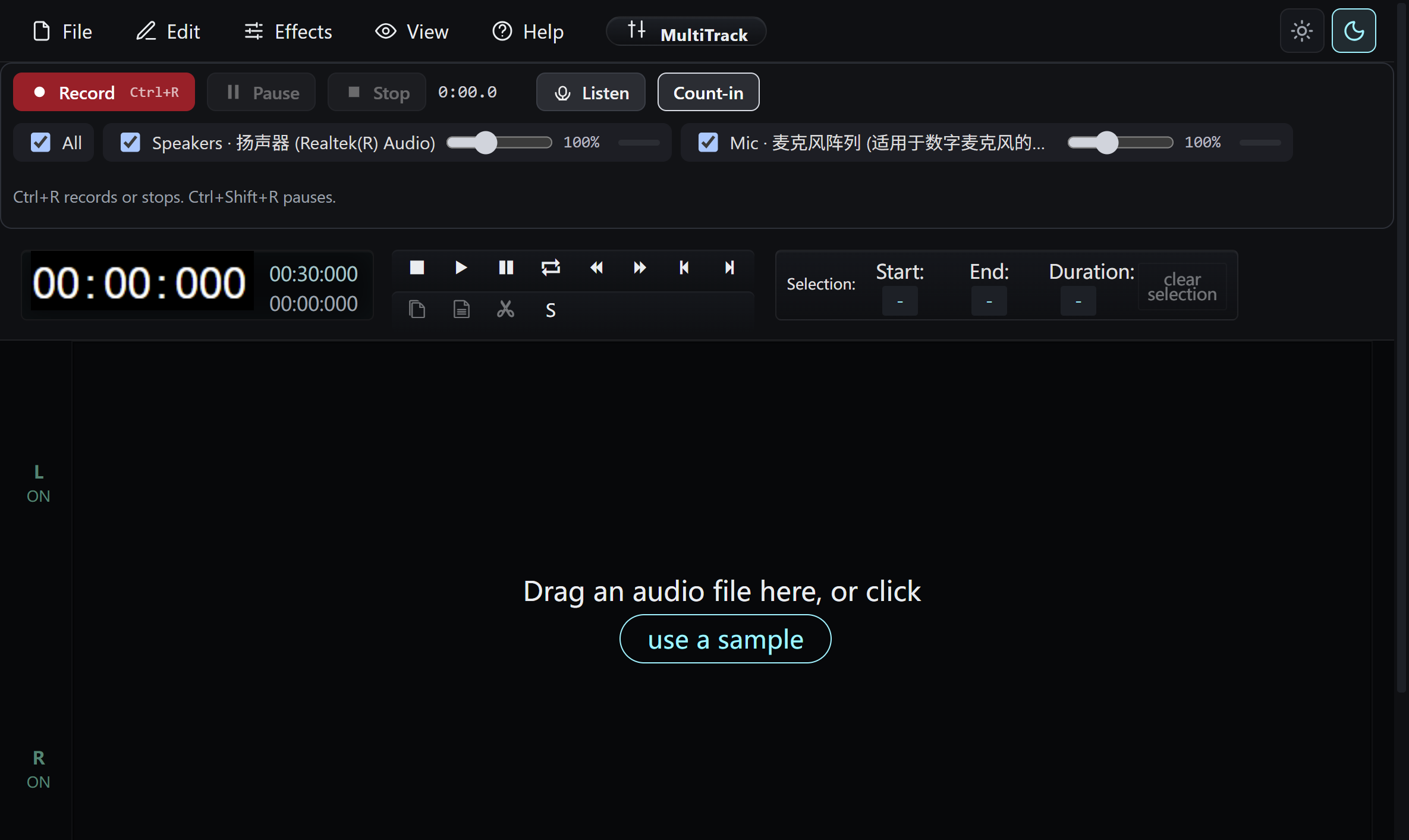
Choose the recording inputs
Select Speakers for computer audio, Mic for your voice, or both. Check the meter and input level before starting; speakers and microphone stay on separate tracks.
Record and review
Start the take, pause when needed, then stop. Listen to the beginning and end and trim an unwanted passage before exporting.
Save your own copy
Choose MP3, WAV or FLAC and save to a folder you control. The app does not provide an internal radio directory, automatic schedule or TV player.
All included application features are 100% free. No registration or activation is required.