Choose the matching disc workflow
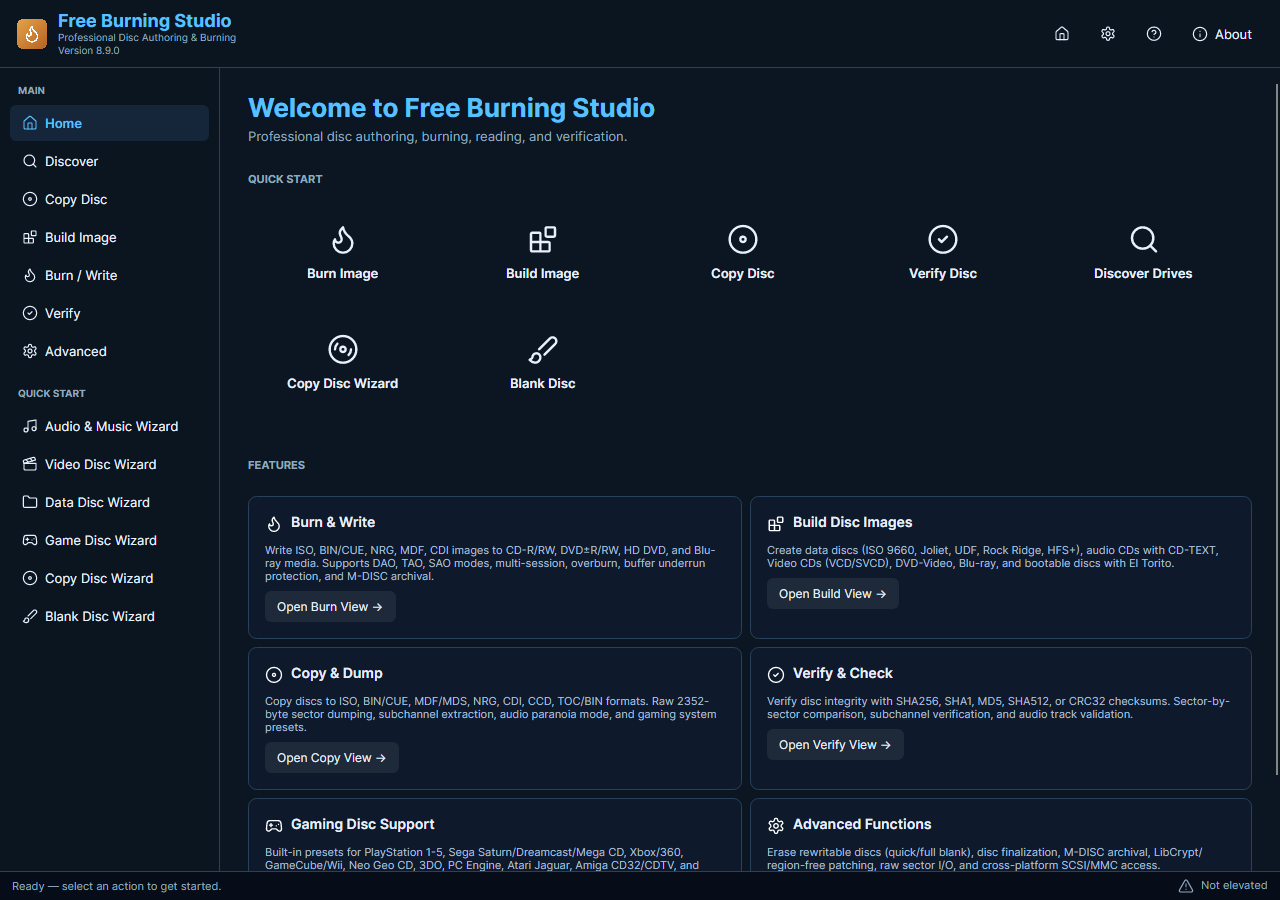
For files to an image, open the image-build workflow. For an existing disc to an image, use disc reading. For ISO to a blank disc, use image writing. Audio-CD and video-disc tasks have their own controls.
Check the source and destination
Select the intended drive and media, review capacity and make sure the source is accessible. Rewritable-disc erase removes the selected disc content; check the target carefully.
Run and verify
Start the task and review progress and any reported errors. Use the available verification and test physical discs in their intended player. Actual drive and media compatibility cannot be inferred from a screenshot.
All included application features are 100% free. No registration or activation is required.