Add the source files
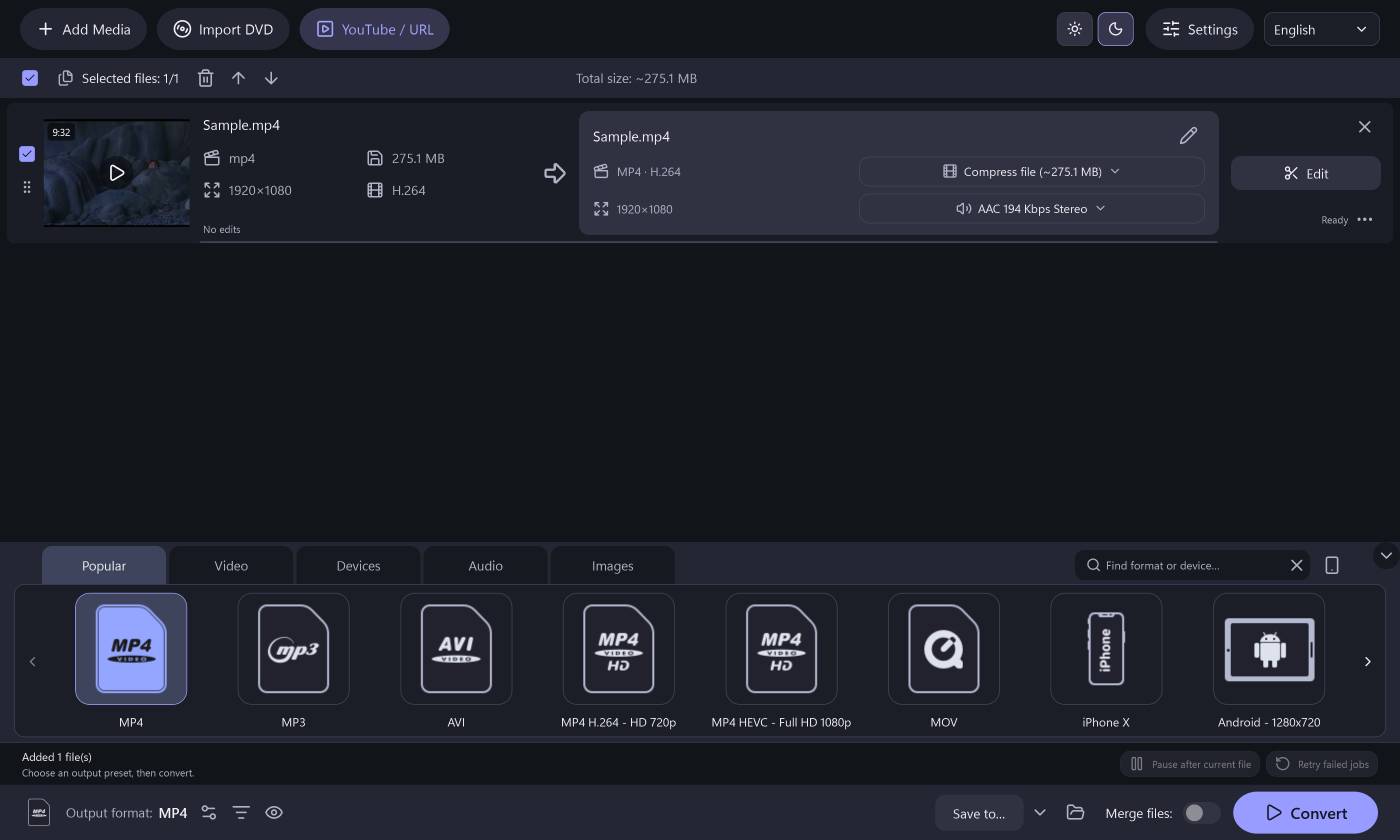
Add the local audio, video or supported image files you want to process. Check that the correct files and durations appear in the queue.
Choose a useful output
Select an audio output such as MP3, WAV or FLAC. Set the available quality, dimensions or bitrate controls. For an older device, check that device’s documented format support; the app does not transfer files to it.
Trim, join or convert
Keep the passages you need, choose individual conversion or joining, and start the task. Lossless joining works only with compatible media; the automatic workflow may re-encode.
Check the finished copy
Save to a separate destination and review duration, sound and playback. Keep the originals until the result is satisfactory. All included conversion and export features are free.
All included application features are 100% free. No registration or activation is required.