
How to Record Audio on Windows 10 in 3 Steps
The Internet has turned this world into a global village and everything is available online. Whether it is a cooking class or a motivational audio course. We love to watch …
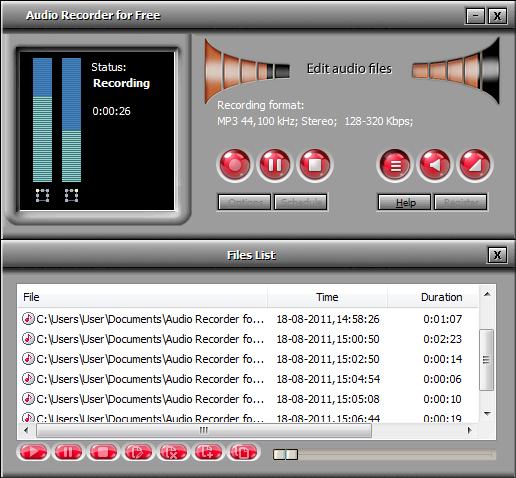
Just play audio stream you want to record and click the “Record” button! Audio Recorder for Free will help you record sounds from your favorite music video, Internet broadcasts, or programs like Real Player, CDs, microphones, vinyl records, and other input lines on a sound card. Audio Recorder for Free uses a virtual sound card to record any audio played through your computer’s sound card, preserving 100% of the original audio quality.
Pre-defined recording qualities (like Hi-Fi Quality, CD Quality, FM Quality, etc.) make it easy for you to set and manage the encoding parameters. Even more, you can specify settings for more professional use with detailed configuration parameters. Enjoy the recordings in 1:1 quality with this free audio recorder!

Just like your favorite TV shows, you can’t always be around to record radio. Audio Recorder for Free’s recording scheduler takes care of this for you. Simply set the clock to automatically start or stop a recording at a certain time like Once, Daily and Weekly. Come back to find your favorite radio ready to listen, commercial free!

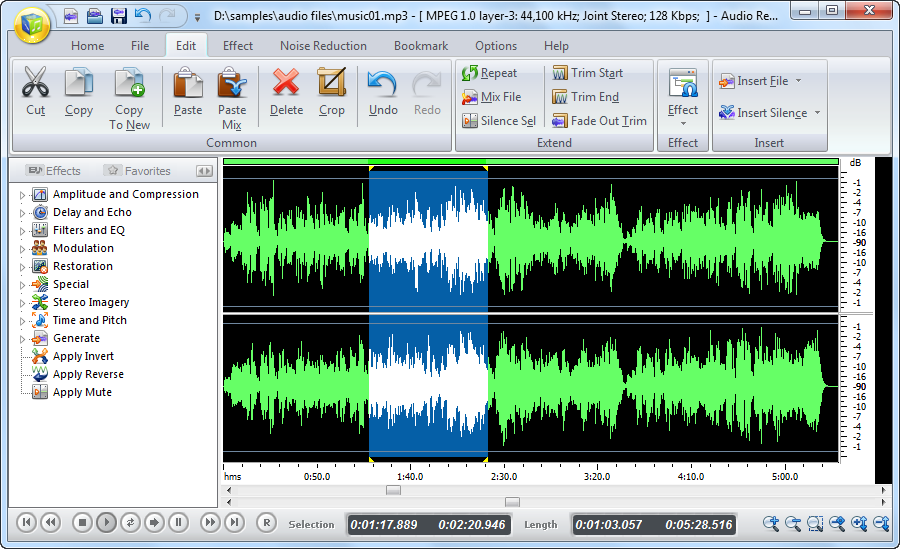
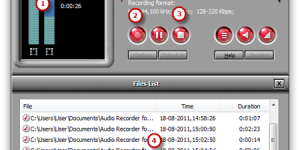
The recording would be automatically added to the file list, which contains the details of each recording like filename, location, date, duration & size. You can directly input the listed recording to Free Audio Editor to create your masterpiece through editing, applying audio effects, reducing noises & and other perfection methods.
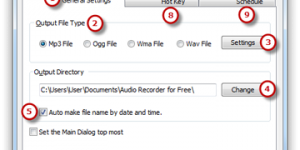
Audio Recorder for Free features out as an audio detector and recorder which can sense any tiny audio signal pass by the sound card and record it with high fidelity for reserve, such as on-play music, video clips, movie, webcasts, softphone, message audio, etc. Besides, it also provides various output formats like MP3, WMA, WAV and OGG, for each of which users can specify the precise quality.


The Internet has turned this world into a global village and everything is available online. Whether it is a cooking class or a motivational audio course. We love to watch …
![Best Way to Record Sound on Your Computer 2019 [Review & Guide]](http://audio-tool.net/wp-content/uploads/2017/11/001-300x150.jpg)
Whether you are a singer or music artist you have to assure that your audio has been recorded in the best quality so your audience can enjoy it. Most of …
![[Best Audio Recorder Guide] How to Record Your Voice](http://audio-tool.net/wp-content/uploads/2017/11/feature_image-300x150.jpg)
Most of us prefer to record the audio sounds that are available online or any podcasts that we find interesting. People do not understand that recording our own voice can …
Introduction Sick of just watching streamed videos and audio tracks but not being able to save them? So are many others, and this demand has given rise to nearly a …
Introduction Where building a recording studio used to require hundreds of thousands of dollars in equipment, now it takes only a computer, a microphone and some choice software to turn …
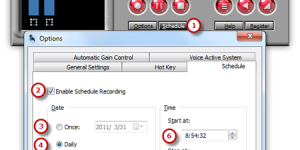
Introduction Audio Recorder for Free can be a scheduler program in such a way that, the application starts automatically at a specific time, performs the recording, and closes automatically. You …