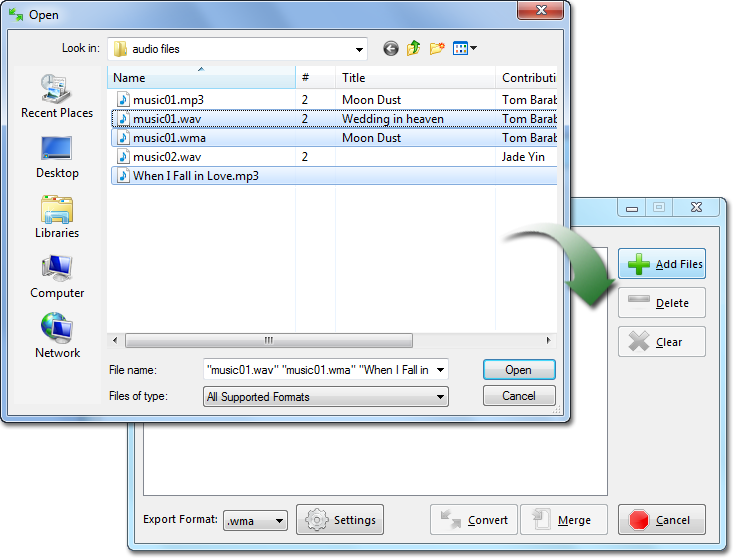
File SelectionClick
the
Add File button to locate the audio
file you wish to convert. Select your audio file by
holding down the "Ctrl" key while clicking the desired
audio file names. Next, click "Open". You can also drag
and drop your selected files into the palette window.
Files can be added via
drag-and-drop
or
copy-and-paste from Windows Explorer
as well (use
Ctrl+V to paste).